Download
Storycut for Windows
The whole studio in one installer: the app, its own Python, the video engines and every built-in topic and design. No admin rights needed. It runs on your PC; your videos never leave it.
Install in four steps
- 1Run the installer
Open Storycut-Setup. It installs for your Windows user only (no admin rights), brings its own Python and the video engines, and adds Storycut to the Start menu.
- 2Sign in
Storycut shows a code and opens this site: approve it in your browser. The PC stays signed in and keeps working offline for 14 days at a time.
- 3Run the setup check
The first-run guide shows what this PC still needs; Open setup check (later: Settings → Setup check) installs FFmpeg in one click and gets the speech model that times captions to your voice. For storyboards, sign in to Claude Code with your own Claude account.
- 4Make your first video
Press Auto and describe it in your words, or pick it yourself in Home → New video. Add your script, voice and photos, then Make storyboard.
What you are installing
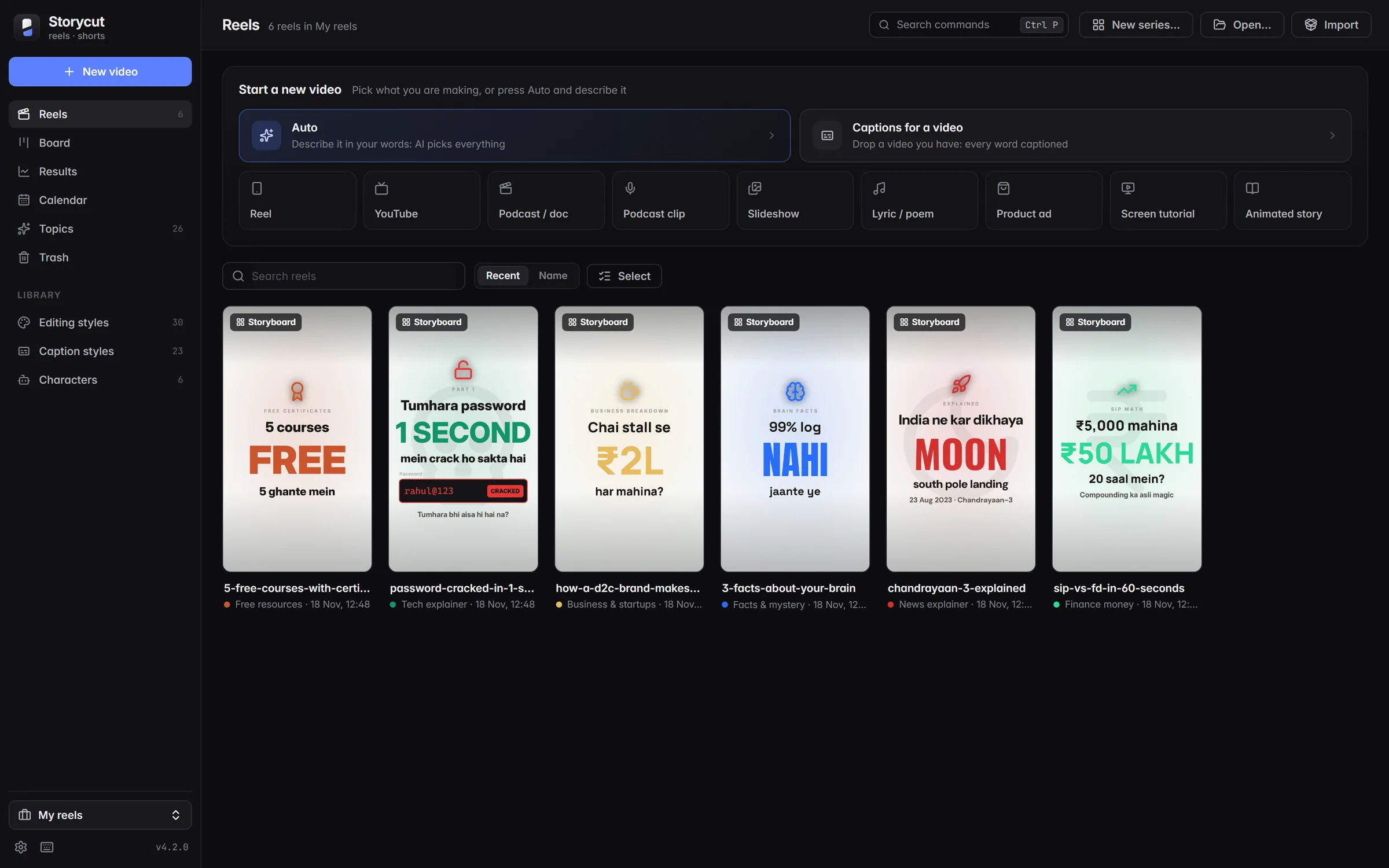
The Storycut app on your desktop: your reels, topics and styles in one place.